What is this?
This is a port of the PC version of Ultimate Spider-Man to the PS Vita. It isn't an emulator: the PC game's program was translated, instruction by instruction, into C code that is compiled for the Vita's ARM processor (static recompilation, the same idea as N64Recomp or XenonRecomp). Windows, Direct3D 9, DirectSound and the controls are re-created underneath it, and the graphics are drawn with vitaGL.
The VPK contains no game data: the city, characters, sound and movies are read from your own PC game files.
The whole game
Story missions, free roam, city goals, Venom, the comic-panel cutscenes and the movies, played from the game's own files.
Made for the Vita
16:9 screen, Vita button icons in every prompt, sound and music, and saves on the memory card.
Tuned for speed
Game logic, drawing and the renderer each get their own CPU core. Fog hides the far city, and settings trade detail for frame rate.
Settings menu
A Settings button on the LiveArea lets you change traffic, view distance, resolution and more, without editing files.
Five languages
English, French, German, Spanish or Italian, using the text files from that language's PC release.
Easy to set up
Copy your game folder across as it is. Nothing to convert, and the movies play straight from the original files.
Screenshots
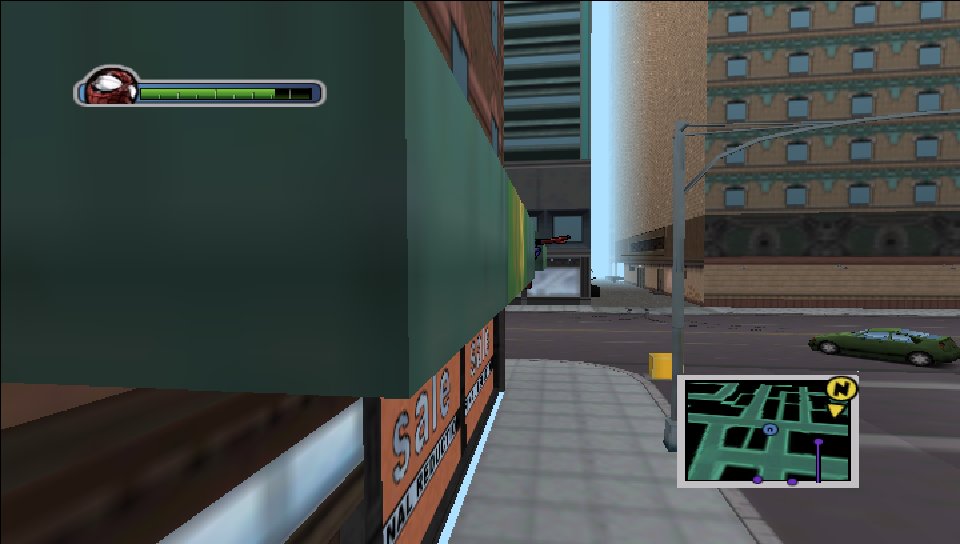
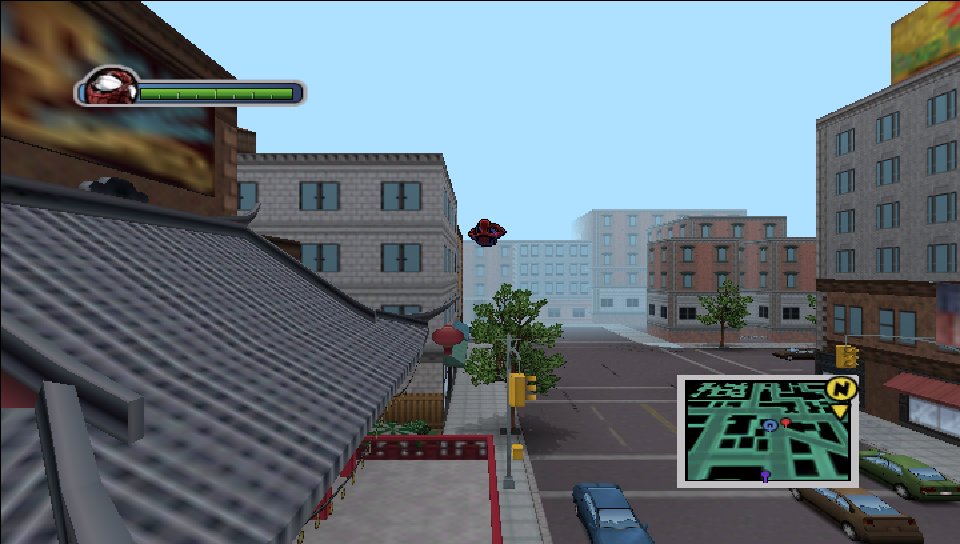
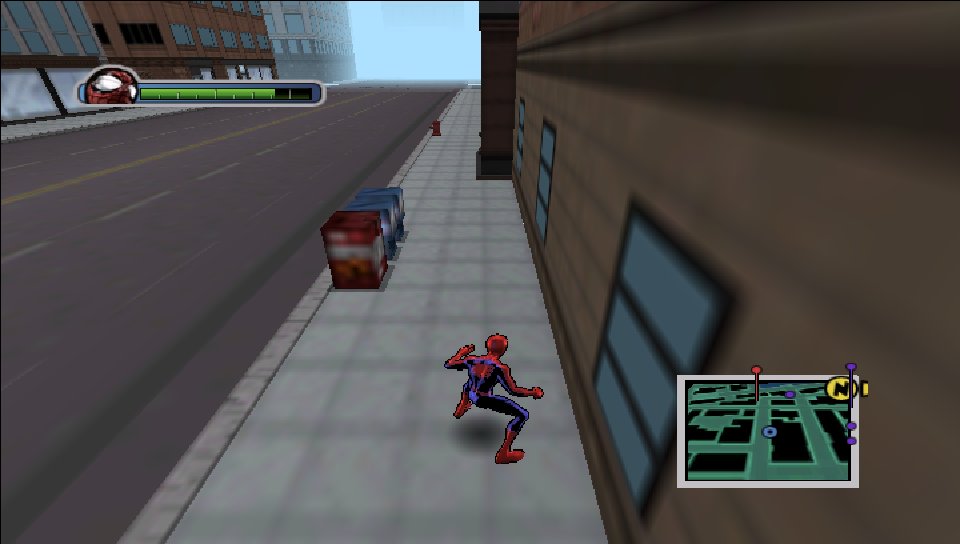
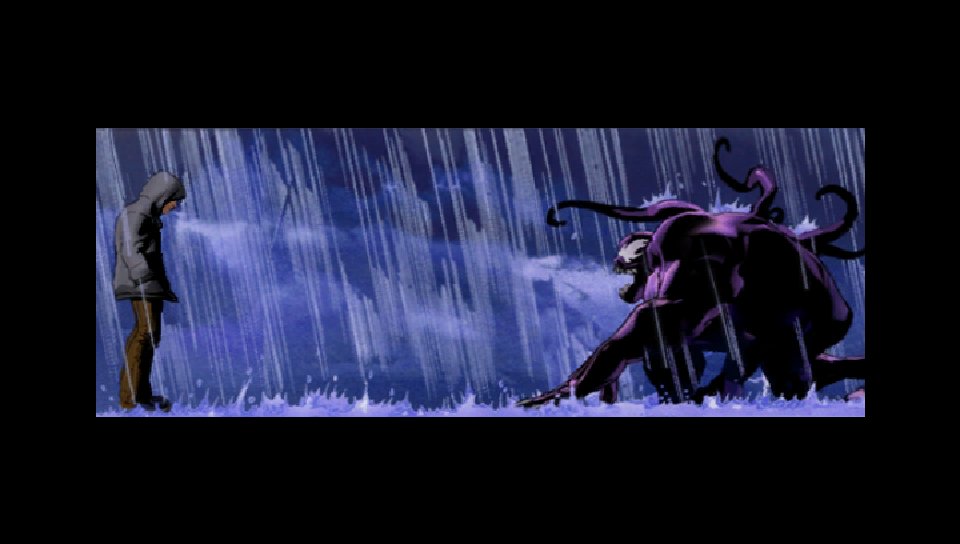
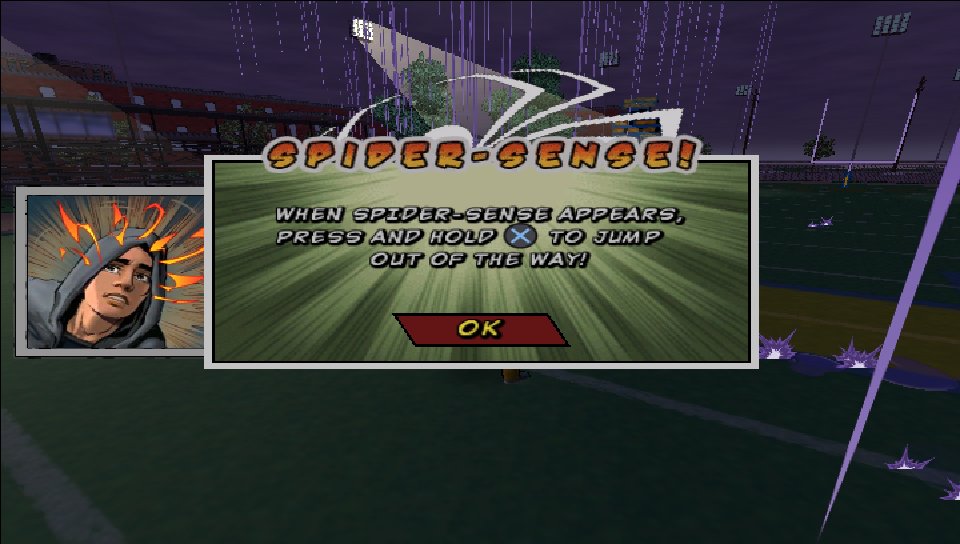
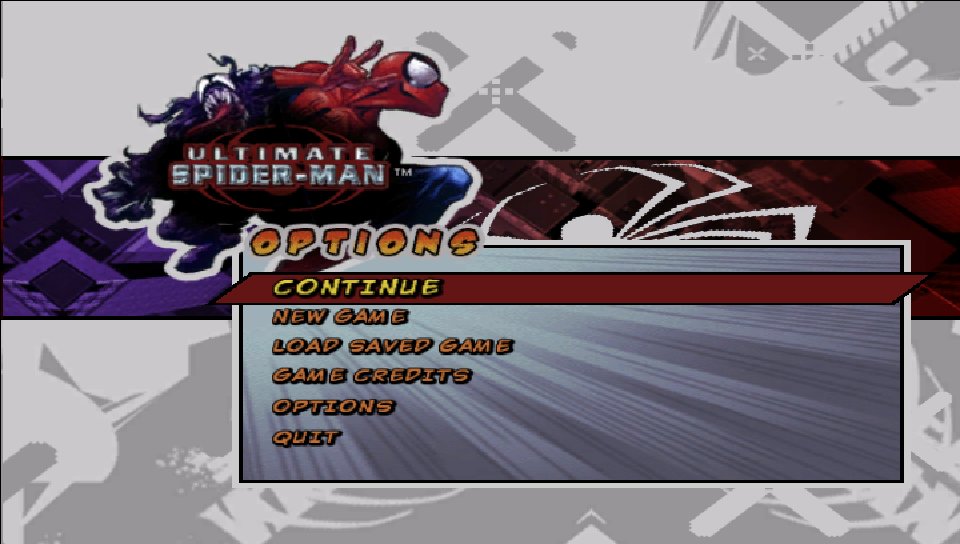
Captured from the port's own renderer (the Vita code running in a PC test build), at the Vita's 960×544.
What you need
- A PS Vita or PS TV that can run homebrew (HENkaku / Ensō), with VitaShell.
- libshacccg.suprx in
ur0:data/: the shader compiler every vitaGL game needs. If you've played another vitaGL port you already have it; otherwise follow the extraction guide. - Your own copy of Ultimate Spider-Man for PC (the 2005 Activision release): its
USM.exeand itsDatafolder. - About 1.6 GB free on
ux0:for the game files.
How to install
-
Download the VPK
Get
usm.vpkfrom the latest release. -
Install it
Copy
usm.vpkto your Vita (FTP or USB in VitaShell), then open it in VitaShell and install it. -
Copy your game files
From the folder where the PC game is installed, copy
USM.exeand the wholeDatafolder intoux0:data/usm/. It should look like this:ux0:data/usm/ ├── USM.exe └── Data/ ├── movies/ ├── packs/ ├── Sound/ └── ...Copy the files exactly as they are: no conversion, the movies too. Use a full install: cut-down rips are often missing music, speech or movies, and those parts will be silent or absent. Anything else missing can crash the game later.
-
Play
Start Ultimate Spider-Man from the LiveArea. If
USM.exeor the shader compiler is missing, the game tells you on screen.
ux0:data/usm/shadercache/.Controls
| Button | Action |
|---|---|
| Left stick | Move |
| Right stick | Camera |
| ✕ | Jump |
| □ | Punch |
| △ | Kick |
| ○ | Wall crawl |
| R | Web swing |
| L | Web zip |
| Rear touchpad | Camera lock (R3 on PC) |
| L / R | Quick-time events (left / right click on PC) |
| Start | Pause |
| Select | City map |
| D-pad | Menus |
Settings
Press Settings under the start button on the game's LiveArea page. Pick a line with the D-pad up/down and change it with left/right. ✕ saves and quits, ○ quits without saving, △ restores the defaults. Start the game normally afterwards.
| Setting | What it does |
|---|---|
| People and traffic | How many pedestrians and cars. The biggest speed setting; the default is very low. |
| View distance | How far you can see before the city fades into fog. |
| Resolution | Size of the 3D picture, scaled to the screen (default 960×544). Lowering it gains very little. |
| Texture size | Largest texture kept: sharper, or lighter on memory. |
| World texture detail | Sharper city textures, but far walls shimmer more. |
| Far characters | Characters far from Spider-Man animate every other frame, which helps in crowded fights. |
| Far objects | How far the game still prepares objects it won't show. |
| Frame rate cap | None, 20, 30 (default) or 60 fps. A steady rate can feel smoother than a varying one. |
| Fog in cutscenes | Off shows the far city in cutscenes; on is faster. |
| Smoke and fire detail | Lower draws fewer puffs, so explosions run smoother. |
| Map detail | How much small detail the map drops when zoomed far out. |
| Language | English, French, German, Spanish or Italian. Needs that language's PC game files in Data, otherwise it stays in English. |
| Debug options | Log file, culling and core switches, frame dumps: for reporting bugs. |
Performance & known issues
The Vita has much less CPU power than the PCs this game was made for. The default cap is 30 fps: expect about 25 fps in typical play, often 28–30 in quieter spots, and around 10–15 in the heaviest scenes, such as big explosions.
- Stutter is still the main issue: short hitches happen while new parts of the city stream in, and the worst ones come just after a mission ends.
- The map can drop to low frame rates when fully zoomed out.
- People and traffic are kept low by default. Raising them in Settings costs a lot of speed.
- The far city is hidden in fog to keep the frame rate up. Set the view distance to Everything, no fog if you prefer the full skyline.
Found a bug? Turn on DEBUG: write log.txt in Settings, play
until it happens, then attach ux0:data/usm/log.txt to an
issue. If the game stopped with an error, add
ux0:data/usm/crash.txt too. The launch before the last one is kept as
log_prev.txt.
How it works
The translator reads every function of the PC game's program and writes equivalent C code, which is then compiled for the Vita. A runtime underneath stands in for the PC: the Windows calls, Direct3D 9 (turned into vitaGL calls, with the game's shaders translated to the Vita's), DirectSound, DirectInput, and the Bink movie player (FFmpeg's Bink decoder). Some of the busiest code was rewritten by hand, and drawing runs on other CPU cores while the game works out the next frame.
Building it yourself: see the
README. The translation is generated from your
own USM.exe.