Mario Kart Wii,
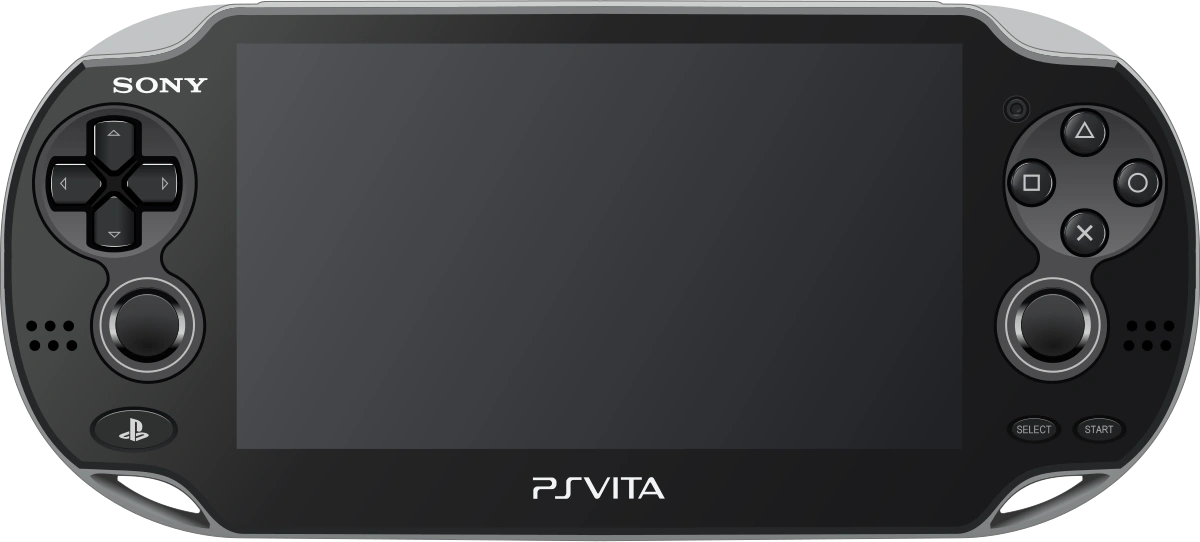
native on PS Vita.
Not an emulator: a native port of MKW-3DS, the 1:1 3DS recreation of Mario Kart Wii. Two editions: Mario Kart Wii, and MKW Retro Rewind with 310 tracks.
How it works
The 3DS game code runs as-is, on top of a small layer that speaks Vita.
Real MKW physics
Kart handling comes from Kinoko, a faithful recreation of Mario Kart Wii's physics engine.
Native game code
Menus, races, items and CPU racers are MKW-3DS's native code, compiled for the Vita.
3DS → Vita layer
libctru and citro3d re-implemented: the 3DS GPU's combiners become generated GLSL shaders, and a software mixer replaces the DSP.
No Nintendo files
The repo ships no game data. You build the game files yourself from your own disc.
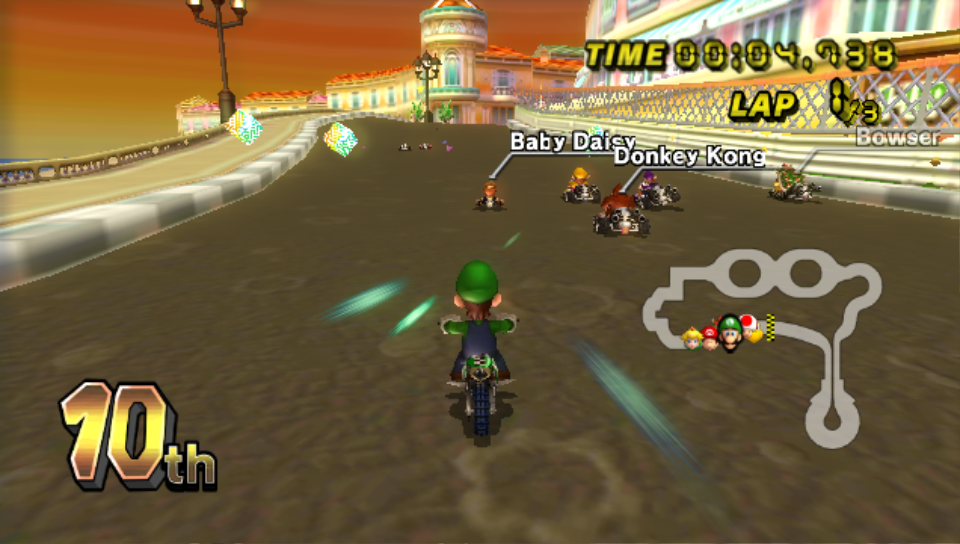
Screenshots
Captured on real Vita hardware.
MKW Retro Rewind
A second app built from your own Retro Rewind 6 install: its tracks, music, skins and menus on
this port's engine. It installs next to Mario Kart Wii with its own saves (ux0:data/mkwrr).
Status
Playable on real hardware, with sound, in 16:9.
Get it running
You'll need a hacked Vita (HENkaku / Ensō), a Mario Kart Wii (USA) disc dump and a PC.
- Download
mkw.vpkfrom the latest release and install it with VitaShell. - Run
Build Game Files.batfrom the same release's source code and drag in your disc image (30–60 minutes the first time). On macOS or Linux, see this guide. - Copy the contents of
build\vita\data\mkw\toux0:data/mkw/. - Make sure
ur0:data/libshacccg.suprxexists (run ShaRKF00D once), then launch.
MKW Retro Rewind
- Download
mkw-retro-rewind.vpkand unzip the release's source into its own folder. - Run
Build Retro Rewind Game Files.bat, drag in your disc image, then yourRetroRewind6folder (a few hours and about 45 GB the first time). - Copy the contents of
build\vita\data\mkwrr\toux0:data/mkwrr/.
Updating from 1.4.x? Just install the new VPK: 1.4.2 uses the same game files.
From an older release, build the game files again from the new release (the VPK and the game files must come
from the same one) and delete the old .pak files on the Vita before copying the new ones.
Please don't share the built game files: they contain Nintendo's data. More in the README and BUILDING.md.